How do I remove attorneys from a worklist?
Last updated: November 22, 2026
Context
When reviewing attorneys saved to a worklist, you may want to remove candidates who are no longer a good fit. There are two ways to remove attorneys from a worklist.
Answer
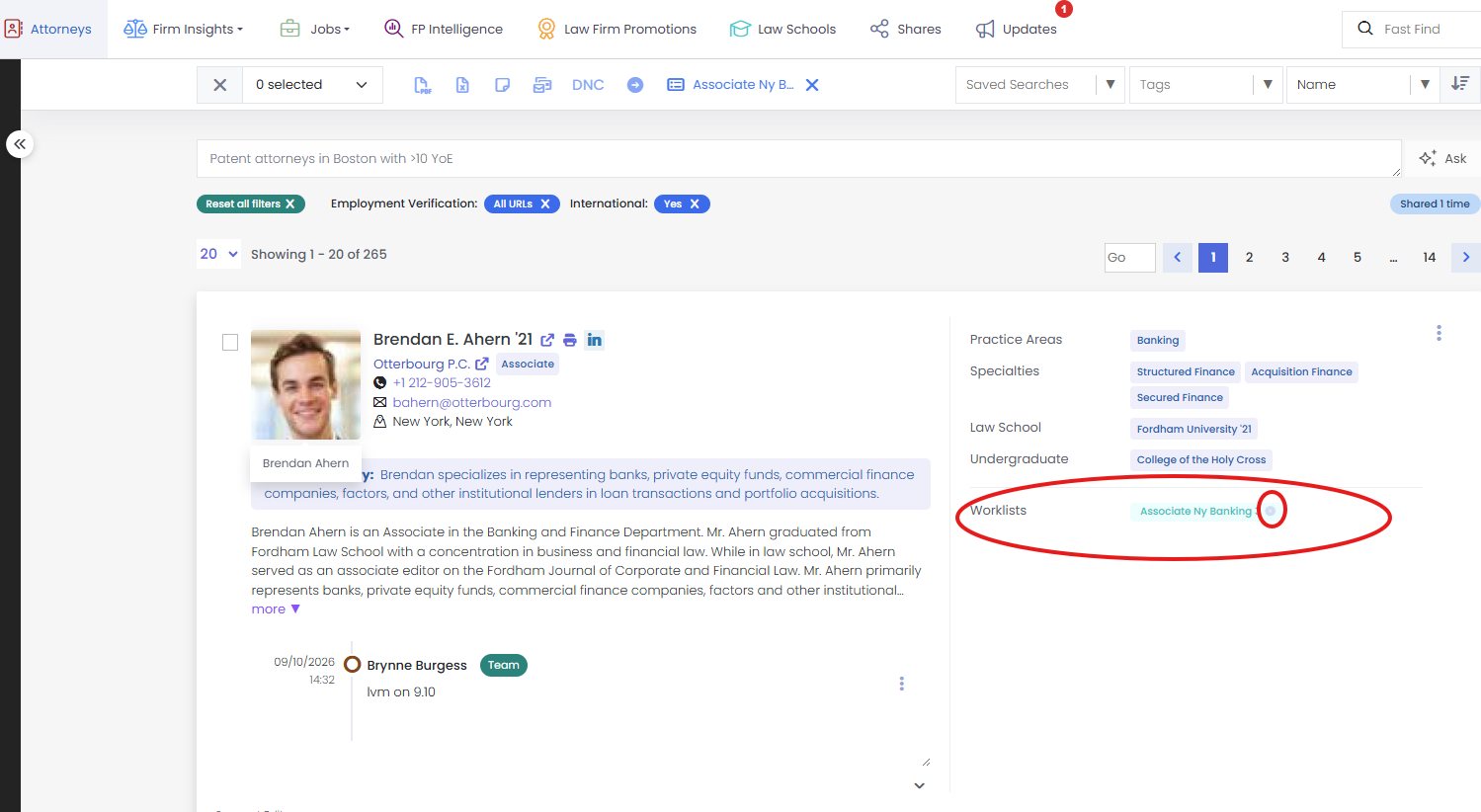
Option 1: Remove from the attorney profile
Find the attorney's profile.
Locate to the Worklists section.
Click the "x" next to the worklist name to remove that attorney from the list.
Option 2: Remove from the worklist view
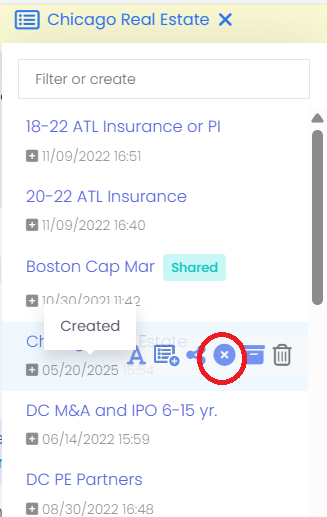
You can also remove one or more attorneys directly from the worklist without opening each profile:
Select the attorneys you want to remove by checking their names.
Click the X button (circled in the toolbar) to remove all selected attorneys from the list.
Removing an attorney from a worklist does not delete their profile — it simply removes them from that specific list.